Linux for Developers: Beyond Windows
2025-08-25
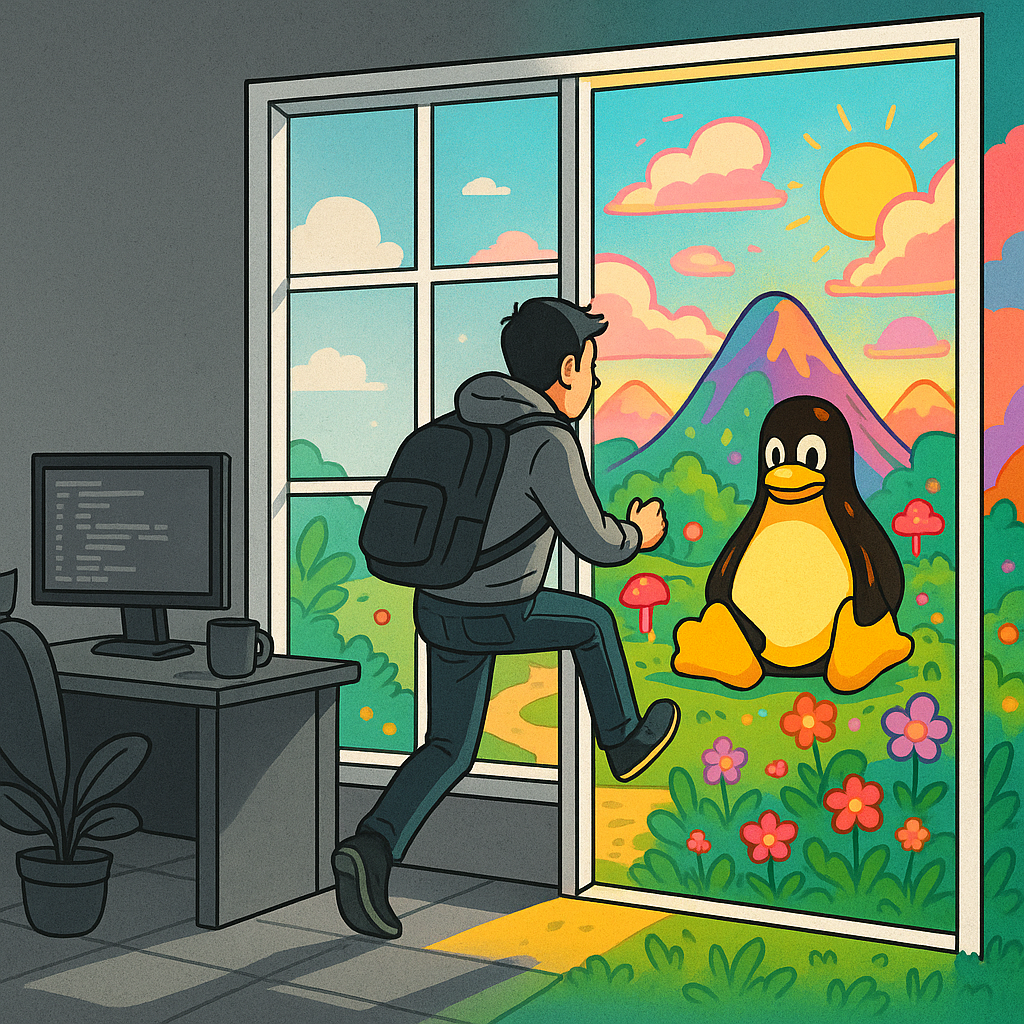
Linux for Developers: Beyond Windows
Linux??? Whats that?.
Most of us start our computing journey on Windows, it’s like Coca-Cola or McDonald's: everywhere, familiar, and pretty hard to avoid.
(Unless you were raised on a Mac, in which case you probably edited
video in primary school.)
I didn't event think about other options. Like Saturn or Jupiter I knew they existed, but felt far away, out of reach, irrelevant and cold.
My very first assignment was taking apart and putting back together a PC and installing Windows and this thing called Ubuntu.
This awakened my curiosity and I've been on a journey of Linux discovery ever since.
🧠 What Linux Taught Me That Windows Couldn't
Linux helped me understand how computers work, not in theory, but for real.Things I couldn’t retain from textbooks suddenly made sense when I started using the terminal.
It taught me how things connect, and how to see those connections.
- How services start and stop
- How permissions actually function
- Where files Live, and Why
- How the shell lets you navigate, manipulate and automate
And once you start using ls, grep, and chmod you start thinking differently about control.
🧰 Key Contrasts: Windows vs Linux for Developers
| System Layer | Windows | Linux |
|---|---|---|
| Terminal | PowerShell, CMD | Bash, Zsh, Fish |
| Package Management | GUI installers, Chocolatey | apt, dnf, pacman, etc. |
| Permissions | GUI prompts, UAC | chmod, chown, file-level control |
| Startup Services | Task Manager, Services GUI | systemd, service, journalctl |
| Environment Config | Registry, System Settings | Dotfiles (.bashrc, .profile) |
| Filesystem Layout | NTFS, obscure paths | Transparent hierarchy (/etc, /var) |
| Automation | PowerShell scripts | Bash, Cron, system hooks |
💡 Why It’s Worth Exploring (Even If You Stay on Windows)
You don’t have to become a full-time Linux user to benefit from it.
But learning your way around:
- File permissions and ownership
- System startup and services
- Terminal navigation
- Environment variables
- Package managers
- Log files and error handling
…will fundamentally improve how you understand computers and build software.
You’ll write better scripts. Debug faster. Thinking of the OS not as a black box but as a toolset.
⚙️ Practical Things to Try
🔧 1. Start with WSL or a Dual Boot
Install Ubuntu via Windows Subsystem for Linux or spin up a virtual machine with Linux Mint. It's low-risk, high reward.
Alternatively as I did was re-purpose an old laptop
💬 2. Learn Core Bash Commands
Start with these and build from there:
ls -la
grep "error" logfile.txt
chmod +x script.sh
ps aux | less
sudo systemctl status
📦 3. Install Tools via Package Managers
Notice how fast it is to install and update things with:
sudo apt install git
sudo apt install htop
sudo dnf update
sudo pacman -Syu
Compare how fast and reliable this feels vs downloading .exe files and clicking "Next" five times.
🛠 4. Investigate the Filesystem
Look Inside /etc, user, and .var.
Understand where config lives. Use cat, nano, less, tree.
📡 5. Observe System Services
Start here:
systemctl list-units --type=service
journalctl -xe
You'll start seeing the machine as a system, not just an interface.
✨ A Better Mental Model for Devs
Linux isn’t just another operating system — it’s a mental model:
- Less friction between you and the machine
- More control over automation, setup, and scripts
- Closer alignment to how most servers run in the real world
When I began learning Bash, environment variables, and services, I suddenly understood Git, Docker, deployment scripts — even CI/CD pipelines — more deeply.
That clarity? Worth every uncomfortable moment early on.
📚 Resources for Learning Linux (as a Developer or Power User)
Whether you're just dabbling or diving deep, these resources helped me turn curiosity into understanding:
🐧 Beginner-Friendly Guides
- Linux Journey – Free, visual walkthrough of Linux concepts
- The Linux Command Line by William Shotts – A fantastic free book for beginners
- Ubuntu Manual – Practical if you’re starting with WSL or desktop Linux
📖 Practical Reference & Cheat Sheets
- ExplainShell – Paste a shell command and see what each part does
- Cheat.sh – Terminal-based cheatsheet for commands and programming tools
- Bash Cheat Sheet (tldr) – Simplified man pages for humans
🎥 YouTube Channels
- DistroTube – Systems thinking, tiling WMs, Bash workflows
- LearnLinuxTV – Reviews, tutorials, server setups
- NetworkChuck – High-energy, beginner-focused tutorials
🧪 Hands-On Practice
- OverTheWire Wargames – Learn Linux by hacking through puzzles
- LinuxSandbox – Practice in an in-browser Linux VM, no install needed
- DigitalOcean Tutorials – Dev and sysadmin tasks explained clearly
TL;DR: Why You Should Try Linux
- Learn how systems actually run
- Your scripts, installs, and workflows will get faster
- You'll be ready for server environments (and interviews)
- It’ll challenge and sharpen your dev mindset
- It’ll help you break past the limits of “what you know”
- Gain confidence across platforms
You don’t need to go full Arch or shave with a tiling window manager.
Just open a terminal. Break a few things.